# Best Computer Chair Reviews 2026 | Top Picks
Quick Answer
If you spend hours sitting at a desk, your chair matters more than you might think. A good computer chair combines ergonomic support with comfort and durability—and you don’t need to spend a fortune to get it. The Herman Miller Aeron leads for all-day comfort and long-term value, while the Secretlab Omega excels for gaming and intense work sessions. Budget shoppers should look at the IKEA Markus, and those prioritizing ergonomics will appreciate the Steelcase Leap.
Keep reading for detailed reviews, feature comparisons, and guidance on finding the right chair for your specific needs.
—
What to Look for in a Computer Chair
Before diving into specific products, understand the key features that separate a genuinely good chair from an uncomfortable waste of money.
Lumbar Support
Your lower back bears most of the stress during long sitting sessions. A proper computer chair should have adjustable lumbar support—not just a random curve in the backrest. This support should align with the natural curve of your spine, typically around 3-4 inches above where your seat meets the backrest.
Look for:
– Adjustable lumbar depth and height
– Support that matches your spinal curve (not one-size-fits-all)
– Firm yet comfortable cushioning in the lumbar region
Seat Depth and Width
If your seat is too deep, it cuts off circulation to your thighs. Too shallow, and you don’t get proper support. The ideal seat should have 2-4 inches of space between the front edge and the back of your knees when you’re sitting upright.
Typical measurements:
– Seat depth: 16-18 inches
– Seat width: 16-20 inches (depending on body size)
Armrests
Quality adjustable armrests let you rest your forearms while typing, reducing strain on your shoulders and neck. Fixed armrests are nearly worthless—they never align with your desk height.
Best armrest features:
– Height adjustment
– Width adjustment (some models)
– 3D movement capability on premium chairs
– Removable option for tight spaces
Recline Mechanism
A good chair should recline smoothly with adjustable tension. You want to be able to lean back without collapsing backward, and return to an upright position without struggle.
Quality indicators:
– Smooth, multi-position recline
– Tension adjustment that doesn’t require tools
– Tilt lock for when you need stability
Material and Durability
Mesh offers breathability but less durability than fabric or leather. Fabric is a solid middle ground—comfortable and long-lasting. Whatever material you choose, quality stitching and dense cushioning matter.
Expected lifespan:
– Budget chairs: 3-5 years
– Mid-range chairs: 5-10 years
– Premium chairs: 10+ years with proper care
—
Best Overall Computer Chairs for Home Offices
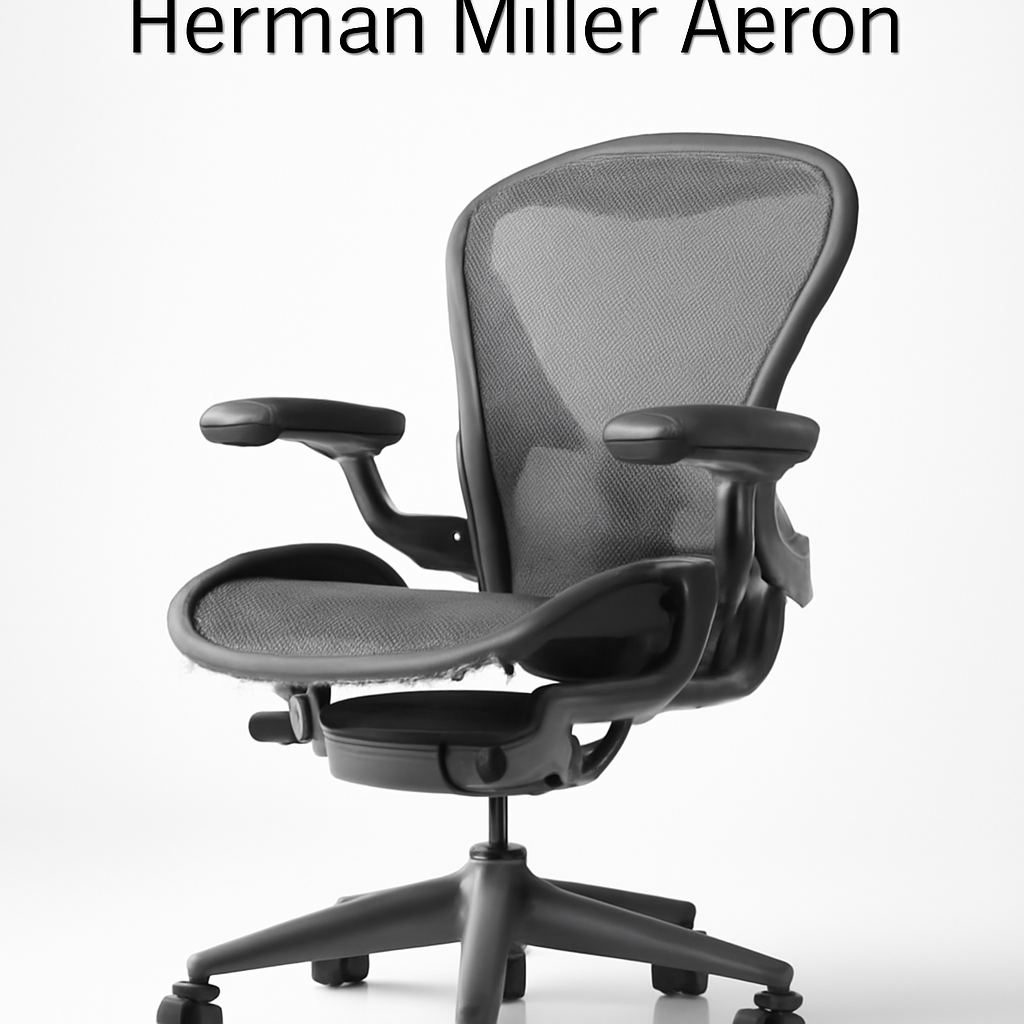
Herman Miller Aeron [CHECK PRICE]
Why it tops our list: The Aeron has been the gold standard for office seating since 1994, and the 2026 version maintains that reputation. It’s the chair you’ll find in serious design studios, law offices, and Fortune 500 companies—not because it’s trendy, but because it works.
Key specs:
– Fully adjustable lumbar support (PostureFit technology)
– Breathable mesh back and seat
– Eight-way adjustable armrests
– Multiple size options (XS to XL)
– Weight limit: [CHECK PRODUCT SPECS]
Pros:
– Exceptional all-day comfort for extended work sessions
– PostureFit lumbar system adapts to different body types
– Industry-leading build quality and durability
– 12-year warranty demonstrates manufacturer confidence
– Breathable mesh prevents heat buildup during long days
Cons:
– Premium price point may strain smaller budgets
– Minimal padding—takes a few days to adjust if you’re used to soft seating
– Requires proper adjustment to realize its full potential (learning curve)
Best for: Professionals who spend 6+ hours daily in their chair and want an investment that lasts a decade.
—
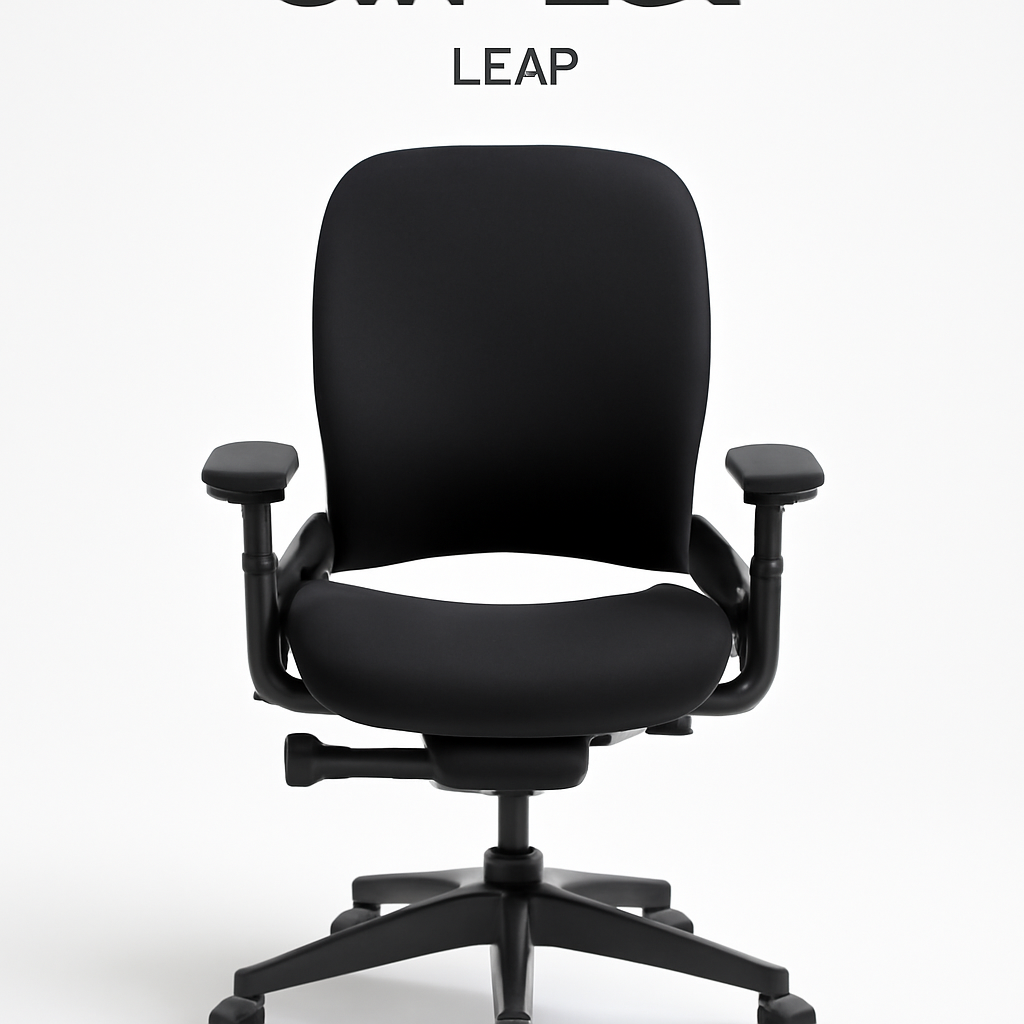
Steelcase Leap [CHECK PRICE]
Why consider it: The Leap competes directly with the Aeron but takes a different approach to support. Where the Aeron emphasizes adjustability, the Leap focuses on responsive, dynamic support that adapts to your movements.
Key specs:
– LiveLumbar technology (responds to spinal movement)
– Adjustable seat depth and angle
– 4D adjustable armrests
– Multiple fabric and mesh options
– Weight capacity: [CHECK PRODUCT SPECS]
Pros:
– LiveLumbar system is genuinely innovative—your back gets support where you need it as you move
– Slightly more cushioned than the Aeron for immediate comfort
– Excellent for varied sitting positions throughout the day
– Similar warranty and durability to the Aeron
Cons:
– Price comparable to or higher than the Aeron
– More complex adjustment system (more to learn)
– Heavier than some alternatives
Best for: People who shift positions frequently or want their chair to adapt to their movements rather than requiring constant manual adjustments.
—
Best Budget-Friendly Computer Chairs
IKEA Markus [CHECK PRICE]
Why it deserves consideration: Not all budget chairs are garbage. The Markus is proof that you can get a functional, reasonably comfortable desk chair without spending $1,000+. It won’t match the longevity or sophistication of premium options, but it gets the job done for casual users.
Key specs:
– High-back design with padded headrest
– Tilt function with lock mechanism
– Fixed armrests
– Weight capacity: [CHECK PRODUCT SPECS]
– Assembled dimensions: [CHECK PRODUCT SPECS]
Pros:
– Genuine budget option (typically under $150)
– Headrest included (many budget chairs skip this)
– Simple, easy assembly
– Decent aesthetics for home offices
– Works fine for 3-4 hour daily use
Cons:
– Limited adjustability (fixed armrests, basic lumbar support)
– Cushioning flattens over 1-2 years
– Not suitable for 8+ hour daily use
– Recline tension adjustment is clunky
– Shorter lifespan than mid-range alternatives
Best for: Students, casual remote workers, and anyone whose primary desk time is under 4 hours daily and budget is paramount.
—
SIDIZ T50 [CHECK PRICE]
Why it’s a sweet spot: This Korean-made chair punches above its price point. It offers surprisingly legitimate ergonomic features without the premium price tag of Herman Miller or Steelcase.
Key specs:
– Adjustable lumbar support
– Mesh back with cushioned seat
– Adjustable armrests
– Weight capacity: [CHECK PRODUCT SPECS]
– Available in multiple colors
Pros:
– Better ergonomics than other budget options
– Adjustable lumbar support (most budget chairs skip this)
– Mesh breathability rivals more expensive chairs
– Good build quality for the price
– Reasonable warranty
Cons:
– Less refined adjustment mechanisms than premium brands
– Smaller brand means fewer service centers
– Armrest adjustment feels less smooth
– Customer service varies by region
Best for: Remote workers who want ergonomic features but can’t justify high-end pricing.
—
Best Gaming Computer Chairs
Gaming chairs serve a different purpose than office chairs. Gamers often need higher backrests, headrests, and the ability to recline significantly for relaxation between sessions.
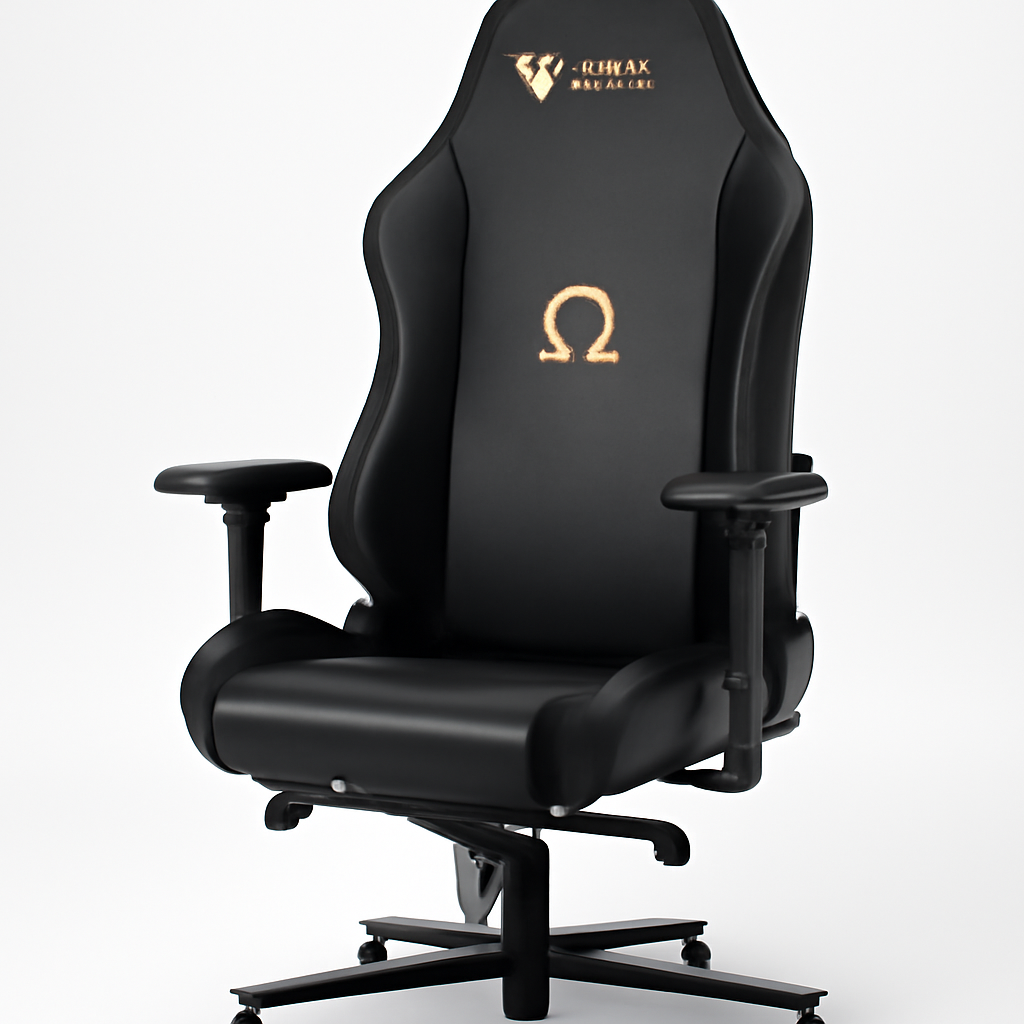
Secretlab Omega [CHECK PRICE]
Why gamers love it: The Omega is designed by people who understand gaming—long sessions, varied positions, and the need for both support and style. It bridges the gap between esports legitimacy and everyday usability.
Key specs:
– High-back design (extends above head level)
– Integrated headrest pillow
– Full recline capability (up to 170 degrees)
– Adjustable lumbar and cervical support
– Cold-cure foam cushioning
– Weight capacity: [CHECK PRODUCT SPECS]
Pros:
– Excellent lumbar and cervical support simultaneously
– Genuinely reclines far—good for breaks between sessions
– Premium build quality rivals office chairs
– Looks professional enough for streaming/video backgrounds
– Armrests feel solid and adjust smoothly
Cons:
– Pricey for a gaming chair (approaching office chair territory)
– Takes time to fine-tune all adjustment options
– Larger footprint than compact office chairs
– Heavy—not portable for LAN parties or moving
Best for: Serious gamers who put in 4+ hours daily and want a chair that supports performance without sacrificing health.
—
Best Ergonomic Computer Chairs for All-Day Comfort
Herman Miller Mirra 2 [CHECK PRICE]
Why it excels for ergonomics: The Mirra 2 is Herman Miller’s answer to people who want Aeron-level engineering in a slightly lighter package. It emphasizes spinal alignment and eliminates unnecessary bulk.
Key specs:
– Backfit lumbar adjustment (customizes to your spine)
– Weight-activated recline (resists harder the heavier you are)
– Forward-tilt seat option
– Mesh construction (full breathability)
– Smaller silhouette than the Aeron
Pros:
– Exceptional spinal alignment support
– More compact than the Aeron—better for smaller spaces
– Weight-activated recline is intuitive (no tension adjustment needed)
– Lighter weight easier to move
– Same 12-year warranty as Aeron
Cons:
– Slightly less adjustability than full Aeron
– Premium pricing ($1,400-$1,800)
– Smaller size not ideal for very tall users
– Minimal padding (adjustment period needed)
Best for: All-day workers in small spaces who prioritize ergonomic precision and long-term health over comfort padding.
—
Computer Chair Features Comparison Chart
| Product | Best For | Lumbar Support | Armrests | Material | Price Range |
| Herman Miller Aeron | All-day office work | 8-way adjustable PostureFit | 8-way adjustable | Mesh | $1,395-$1,795 |
| Steelcase Leap | Dynamic positioning | LiveLumbar (responsive) | 4D adjustable | Mesh/Fabric | $1,000-$1,600 |
| IKEA Markus | Budget conscious | Fixed lumbar | Fixed | Padded fabric | $90-$150 |
| SIDIZ T50 | Budget ergonomics | Adjustable | Adjustable | Mesh | $300-$500 |
| Secretlab Omega | Gaming/long sessions | Adjustable lumbar + cervical | Adjustable | Cold-cure foam | $450-$650 |
| Herman Miller Mirra 2 | Small spaces/all-day | Backfit adjustable | 2D adjustable | Mesh | $1,395-$1,795 |
—
How to Choose the Right Chair for Your Space
Step 1: Assess Your Daily Sitting Time
– Under 2 hours: Budget chair acceptable (IKEA Markus)
– 2-6 hours: Mid-range ergonomic chair (SIDIZ T50)
– 6+ hours: Premium option (Herman Miller, Steelcase, Secretlab)
Your back doesn’t negotiate. More sitting time justifies more spending.
Step 2: Measure Your Desk Height
Your computer chair must align properly with your desk. When sitting with feet flat on the floor, your elbows should be at a 90-degree angle to your keyboard. Most chairs adjust 4-6 inches up or down, but you need to verify it works for your specific desk.
Quick measurement:
– Measure desk height from floor to top surface
– Measure from floor to your elbow when standing
– Chair height range should cover the gap
Step 3: Consider Your Space
– Small apartments: Compact chairs (Mirra 2, smaller Markus)
– Shared spaces: Professional-looking option (Aeron, Leap)
– Dedicated office: Any size/style works
Step 4: Test the Lumbar Support
Most back pain from office chairs comes from inadequate lumbar support. When you sit:
– There should be a gentle curve supporting your lower back
– You shouldn’t feel like you’re sitting on a lump
– Support should feel like it’s holding you up, not pushing you forward
Step 5: Check Weight Capacity and Size
Brands offer multiple sizes. The Aeron comes in three sizes (A, B, C). If a chair doesn’t fit your frame, no amount of adjustment helps.
Key dimensions to verify:
– Seat width matches your hip width
– Seat depth leaves 2-4 inches at knee
– Backrest height aligns with your back
– Armrest height reaches to your elbows when seated
Step 6: Calculate Total Cost of Ownership
A $150 chair lasting 2 years costs $75/year. A $1,500 chair lasting 12 years costs $125/year—but you experience vastly better comfort and health during those years.
—
Common Questions About Computer Chairs
Are expensive chairs worth the money?
Yes, if you sit for extended periods. The Aeron and Leap last 10+ years with proper care and provide measurably better support than budget alternatives. For someone spending 40+ hours weekly in their chair, that’s worth the investment. For occasional use, a budget chair suffices.
Can I return a computer chair if it doesn’t work?
Most quality brands offer 30-90 day trial periods. Read the return policy before buying. IKEA has standard 365-day returns. Herman Miller offers a 30-day trial on many models.
Should I buy a gaming chair or office chair?
Office chair if: You work at a desk for income
Gaming chair if: You primarily use the chair for gaming with occasional desk work
Gaming chairs often sacrifice neutral working posture for style and extreme recline. Office chairs optimize for 8-hour workdays.
How do I maintain my computer chair?
– Vacuum mesh/fabric monthly
– Wipe down with damp cloth for spills
– Avoid direct sunlight (fades fabric, degrades materials)
– Check and tighten screws quarterly
– Replace gas cylinder if chair won’t stay at desired height (usually $50-100 service)
—
Our Verdict
For most people: The Herman Miller Aeron [CHECK PRICE] is the right answer. Yes, it’s expensive, but it’s also the most thoroughly researched, longest-lasting, and most universally praised office chair ever made. If you spend 6+ hours daily at a desk, it pays for itself in health and comfort.
If you’re budget-conscious: The SIDIZ T50 [CHECK PRICE] offers 80% of the support and quality at 30-40% of the price. It’s a legitimate ergonomic chair, not a compromise.
If you’re on a tight budget: The IKEA Markus [CHECK PRICE] works for occasional users, but don’t expect it to handle serious daily use.
If you’re a gamer: The Secretlab Omega [CHECK PRICE] justifies its price through build quality and versatility. It works for work and gaming, unlike pure gaming chairs that sacrifice work ergonomics.
The best computer chair is the one you’ll actually use correctly. An expensive chair gathering dust in your office helps no one. Pick one, adjust it properly, and commit to using it for at least a month before judging comfort. Your back will thank you.
—
Last updated: 2026