Your gaming laptop hits 90°C during a raid, the fans scream, and performance throttles right when you need it most. A quality cooling pad can drop temperatures 10–20°C and keep your frame rates stable — but which one actually delivers? In 2026, two names keep coming up: the sleek Razer laptop cooling pad and the airflow-focused Llano V12. This guide compares them head-to-head so you can pick the right one.
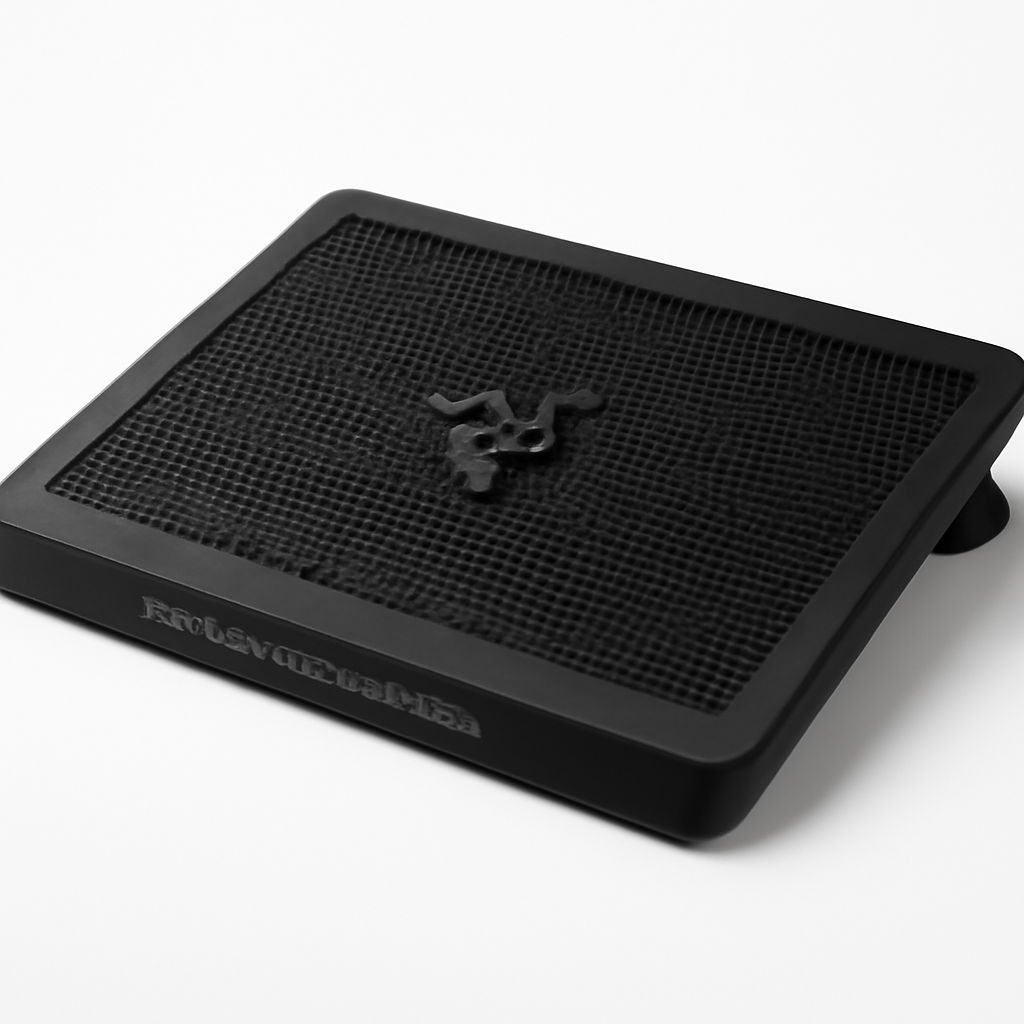
Razer Cooling Pad vs Llano V12: Quick Verdict
Short answer: If you want the strongest raw cooling for a large, hot gaming laptop and don’t mind a bit more fan noise, the Llano V12 is the better performer — it’s built around high-CFM airflow and aggressive fan speed control. If you prioritize a premium look, quieter operation, and a cleaner desk setup that matches other peripherals, the Razer laptop cooling pad is the more refined choice.
Here’s the quick breakdown:
– Best cooling performance: Llano V12
– Best noise-to-cooling balance: Razer cooling pad
– Best build quality and aesthetics: Razer cooling pad
– Best value for the price: Llano V12
– Best for 17″+ gaming laptops: Llano V12
If you want alternatives to consider alongside these two, the Klim Wind, Havit HV-F2056, and Thermaltake Massive 20 RGB round out the category at different price points.
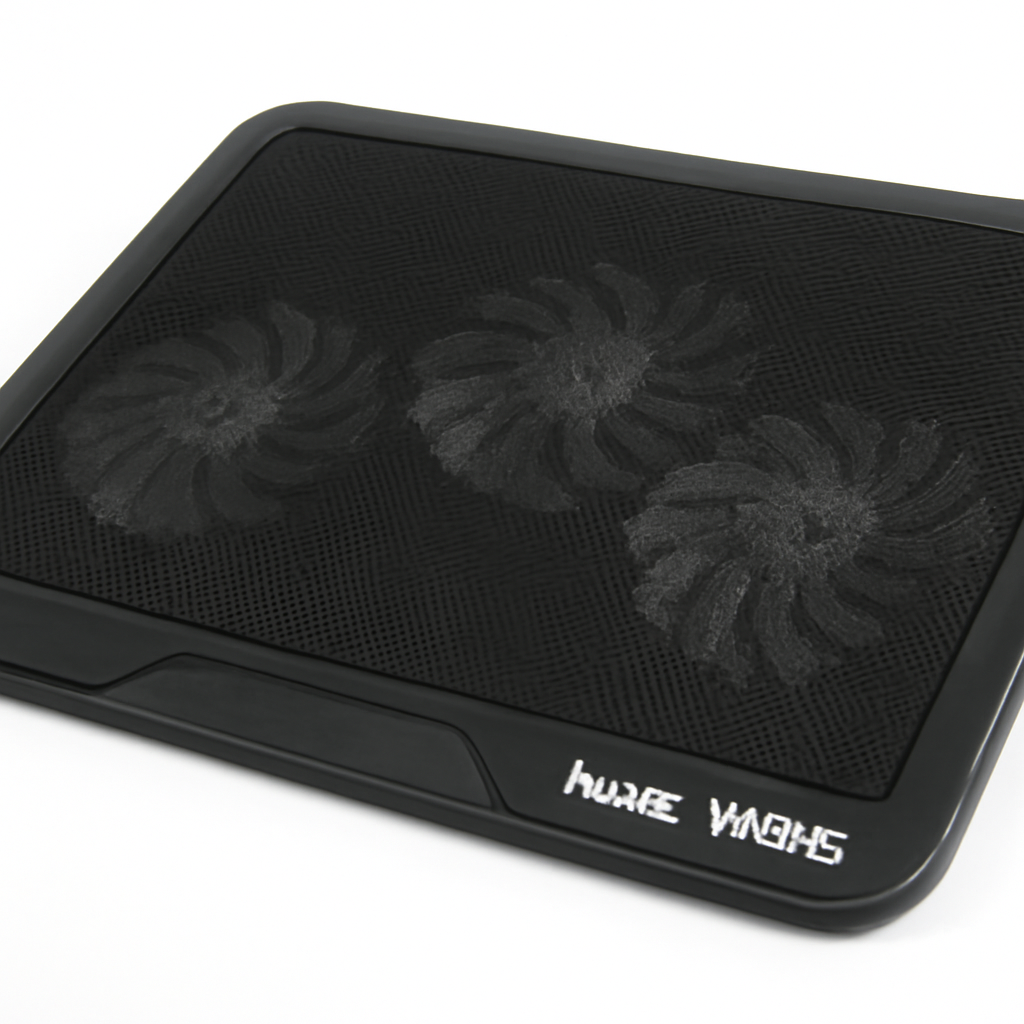
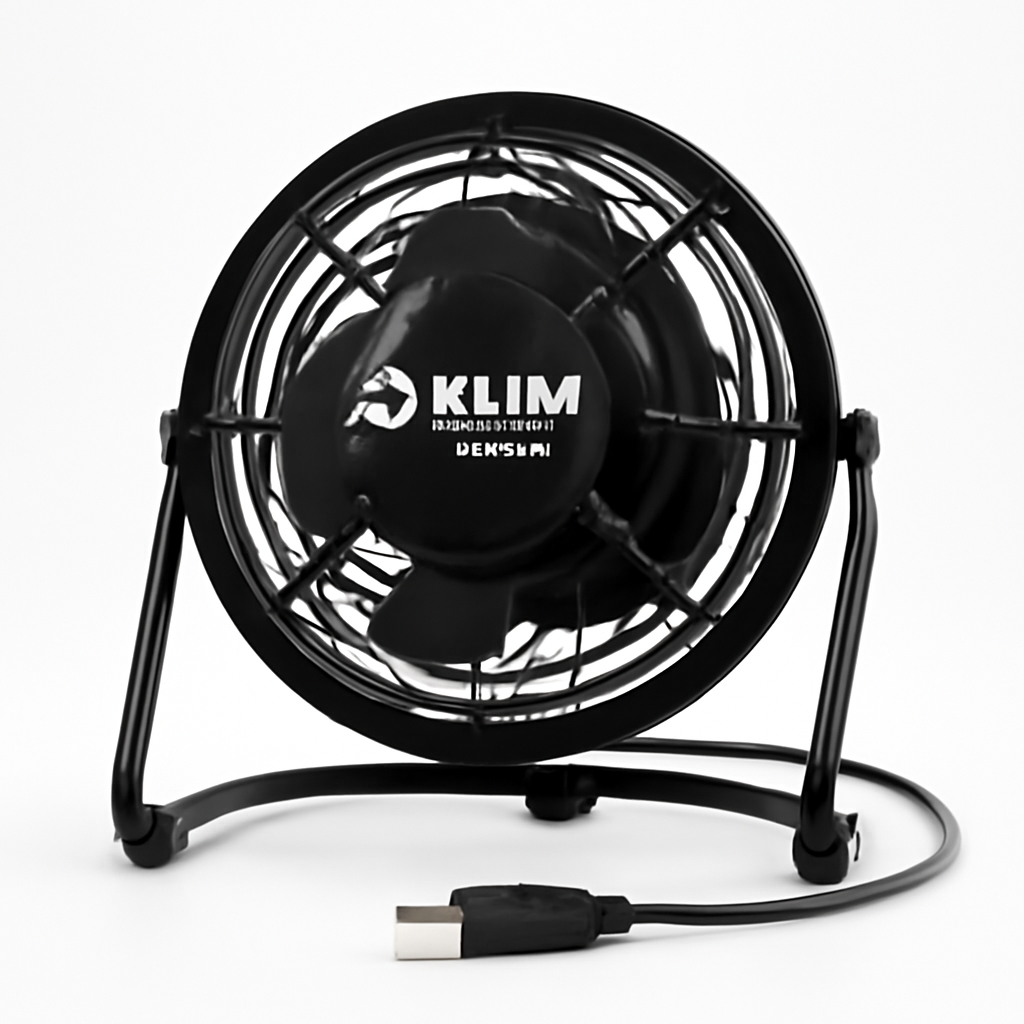
Top Picks at a Glance
| Product | Best For | Price Range |
| Llano V12 | Max airflow for large gaming laptops | |
| Razer Laptop Cooling Pad | Premium build + quiet operation | |
| Klim Wind | Budget high-RPM cooling | |
| Havit HV-F2056 | Slim, ultra-portable cooling | |
| Thermaltake Massive 20 RGB | Single large-fan quiet cooling |
Cooling Performance and Fan Airflow Compared
Cooling performance is where these two pads separate the most, and it comes down to fundamentally different design philosophies.
Llano V12: Airflow-First Design
The Llano V12 is engineered around one goal — move as much air as possible. It uses a large central turbofan (in the “vortex”-style layout Llano is known for) rather than several small fans. That single high-CFM fan is designed to create concentrated pressure directly under your laptop’s intake vents, which is often more effective than spreading airflow thinly across the whole chassis.
For heavy gaming laptops with hungry CPUs and GPUs — think 15″ and 17″ machines running demanding titles — this concentrated airflow tends to produce the biggest temperature drops. Users chasing lower thermal-throttle points and more stable clock speeds generally get more headroom from this style of pad.
Razer Cooling Pad: Balanced, Refined Cooling
The Razer laptop cooling pad takes a more balanced approach. It’s tuned to deliver solid cooling while keeping noise and vibration in check. Rather than maxing out CFM at the expense of everything else, Razer’s design aims for a comfortable middle ground — meaningful temperature reduction without the pad sounding like a hair dryer.
For most gaming and creative-work laptops, that translates to a noticeable improvement over no cooling pad at all, with a more pleasant experience during long sessions. It’s cooling you can live with all day, even if it doesn’t hit the absolute lowest temperatures possible.
Bottom line on performance: For raw thermal reduction on a hot, high-wattage laptop, the Llano V12 generally has the edge thanks to its high-airflow turbofan. The Razer pad trades a few degrees for a quieter, more livable experience.
Noise Levels and Fan Speed Control
A cooling pad you can’t stand to listen to is a cooling pad you’ll unplug. This is where the trade-offs become obvious.
Fan Speed Control
Both pads offer adjustable fan speed, but they approach it differently:
– Llano V12 typically provides granular speed control (often via a dial or stepped controller) so you can crank airflow to the maximum when gaming and dial it back for lighter tasks. At full tilt, expect it to be audible — that’s the cost of moving serious air.
– Razer cooling pad emphasizes a quieter default profile with speed adjustment that leans toward keeping things unobtrusive. At lower and mid speeds it stays comfortably in the background.
Real-World Noise
Here’s the honest reality: higher airflow almost always means more noise. The Llano V12’s strength — that powerful turbofan — is also its main noise source when you push it hard. If you game with a headset on, you may never notice. If you work in a quiet room or record audio, it can become a factor.
The Razer pad wins on acoustics. Its tuning prioritizes a lower noise floor, making it the better pick for open-office use, streaming with a mic, or anyone sensitive to fan whine.
If quiet operation is your top priority, also look at the Thermaltake Massive 20 RGB, which uses a single oversized 200mm fan spinning slowly to move air quietly — one of the calmest options in the category.
Build Quality, Ergonomics, and Adjustable Height
You’ll be resting your hands near this thing for hours, so ergonomics and build matter more than spec sheets suggest.
Razer Cooling Pad: Premium Feel
Razer’s reputation is built on premium hardware, and its cooling pad reflects that. Expect a solid metal-mesh top surface, clean cable management, and a design that visually matches other Razer gear like the Razer BlackWidow keyboard if you’re building a coordinated setup. The build feels sturdy and stable, with minimal flex.
Pros:
– Premium metal-mesh construction
– Stable, low-vibration platform
– Clean aesthetic that matches other peripherals
– Comfortable typing/gaming angle
Cons:
– Cooling ceiling is lower than airflow-focused rivals
– Usually carries a higher price for the brand name
Llano V12: Function Over Flash
The Llano V12 is built to perform, and its ergonomics are geared toward getting your laptop’s intake vents into the airstream. It typically offers adjustable height/angle settings, letting you tilt the laptop to a more comfortable typing position while improving airflow underneath. The build is functional and rugged rather than luxurious, but it holds a heavy 17″ laptop securely.
Pros:
– Strong, high-airflow cooling
– Adjustable height and viewing angle
– Handles large, heavy gaming laptops well
– Excellent cooling-per-dollar
Cons:
– Louder at maximum fan speed
– Utilitarian looks won’t win design awards
– Bulkier and less travel-friendly
Adjustable Height for Comfort
Both pads raise the rear of your laptop, which improves airflow and wrist ergonomics. The Llano V12’s multi-stage height adjustment gives you more flexibility to fine-tune the angle. If you type for long stretches, that adjustability reduces wrist strain — a genuine comfort win beyond just temperatures.
For pure portability instead of adjustability, the slim Havit HV-F2056 folds flat and slips into a laptop bag, though it cools far less aggressively than either main pick.
Compatibility, Port Layout, and USB Passthrough
A cooling pad shouldn’t cost you a USB port or block your laptop’s own vents.
Laptop Size Compatibility
– Llano V12 is sized to accommodate larger laptops comfortably, making it a natural fit for 15″ and 17″ gaming machines. Its raised rubber stops keep big laptops from sliding.
– Razer cooling pad supports common gaming and productivity laptop sizes with a stable surface, but always confirm your specific laptop’s dimensions against the listed compatibility before buying.
USB Passthrough
This is a small but important detail. Both pads draw power over USB, and a good design includes a USB passthrough port so you don’t lose the port you plug into. Check the current listing for each — passthrough availability can vary by model revision. If you’re already short on ports, prioritize a pad that includes it.
Vent Alignment
The most overlooked compatibility factor is whether the pad’s fans line up with your laptop’s actual intake vents. The Llano V12’s single large fan covers a broad central area, so it works well with laptops that have bottom-center intakes. If your laptop pulls air from an unusual location, a multi-fan design like the Klim Wind (four fans) may align better with your specific vent layout.
Price, Warranty, and Overall Value in 2026
Pricing
Both pads sit in the affordable-accessory tier, but there’s a consistent gap:
– The Llano V12 typically undercuts the Razer pad while delivering stronger cooling — its core value proposition.
– The Razer laptop cooling pad commands a premium for its build quality, quieter operation, and brand ecosystem.
Always confirm current pricing at the link, as accessory prices shift throughout 2026.
Warranty and Support
Warranty terms vary by seller and region, so check the specifics before purchase. Razer’s established support network and warranty process are a genuine advantage if long-term support matters to you. Llano’s coverage is typically solid for the price, but support responsiveness can depend on the retailer you buy from.
Value Verdict
For pure cooling-per-dollar, the Llano V12 is hard to beat — you get flagship-level airflow at a mid-tier price. For build quality, quietness, and a cohesive setup, the Razer pad justifies its higher cost if those things matter to you. Neither is a bad buy; they simply optimize for different priorities.
Which Cooling Pad Should You Buy?
Match the pad to how you actually use your laptop:
Buy the Llano V12 if you:
– Run a large, hot 15″–17″ gaming laptop that throttles under load
– Want the biggest possible temperature drop
– Are comfortable with more fan noise during intense sessions
– Want the best cooling for the money
Buy the Razer laptop cooling pad if you:
– Value premium build quality and a quiet workspace
– Want a pad that matches your other peripherals
– Do a mix of gaming and creative work in a quiet room
– Don’t mind paying more for refinement
Consider an alternative if:
– You want maximum airflow on a tight budget → Klim Wind
– You need the quietest possible option → Thermaltake Massive 20 RGB
– You travel constantly and need something slim → Havit HV-F2056
Our Verdict
Both of these cooling pads are worth owning — the right pick just depends on your priorities.
For maximum cooling performance and value, the Llano V12 is our top recommendation. Its high-airflow turbofan design delivers the kind of temperature drops that keep a hot gaming laptop from throttling, and it does it at a price that’s easy to justify. The trade-off is noise at full speed, but for gamers running a headset, that’s rarely a dealbreaker.
For build quality, quiet operation, and a polished setup, the Razer laptop cooling pad earns the nod. You give up a few degrees of cooling headroom in exchange for a quieter, more premium experience that’s easier to live with during long, mixed-use days.
Our overall pick for most gaming laptop owners in 2026 is the Llano V12 — it solves the core problem (thermal throttling) most effectively for the money. But if silence and aesthetics rank higher than squeezing out every last degree, the Razer pad is the smarter buy. Either way, check the current price at the link before you commit, since 2026 accessory pricing moves fast.