Quick Answer
If you need a phone stand right now: the Anker MagGo Magnetic Phone Stand works reliably for most people and costs under $30. It’s portable, sturdy, and works with any phone. If you want premium build quality, try the Twelve South HoverBar Advance. For desk jockeys who need adjustability, the Rain Design mStand Mobile is the go-to. But read on—we’ll help you find the exact stand for your situation.
—
What Makes the Best Phone Stand?
A good phone stand does one job really well: it holds your phone steady at a comfortable viewing angle without wobbling or tipping. But beyond that basic function, the best stands also consider how you actually use your phone throughout the day.
Think about it. You might prop your phone up while:
– Watching videos in the kitchen during breakfast
– Video calling during work meetings
– Following recipes while cooking
– Watching fitness videos at the gym
– Watching content in bed
Each scenario has different requirements. A stand that’s perfect for your desk might be terrible for your kitchen counter, and vice versa. The best phone stand for you depends on where and how you use it most.
The truly great phone stands share these qualities:
– Stability: They don’t tip or shift when you touch the screen
– Compatibility: They work with various phone sizes and cases
– Adjustability: They offer viewing angles that actually feel comfortable
– Portability: They’re light enough to move around if needed
– Build quality: They survive regular use without breaking
—
Best Phone Stands for Every Budget
Top Picks at a Glance
| Product | Best For | Price Range |
| Anker MagGo Magnetic Phone Stand | Budget-friendly, travel | $20–$30 |
| Twelve South HoverBar Advance | Desk work, premium feel | $40–$50 |
| Rain Design mStand Mobile | Minimalist desk setup | $25–$35 |
| Lamicall Adjustable Phone Stand | Tall viewing angles, home | $15–$25 |
—
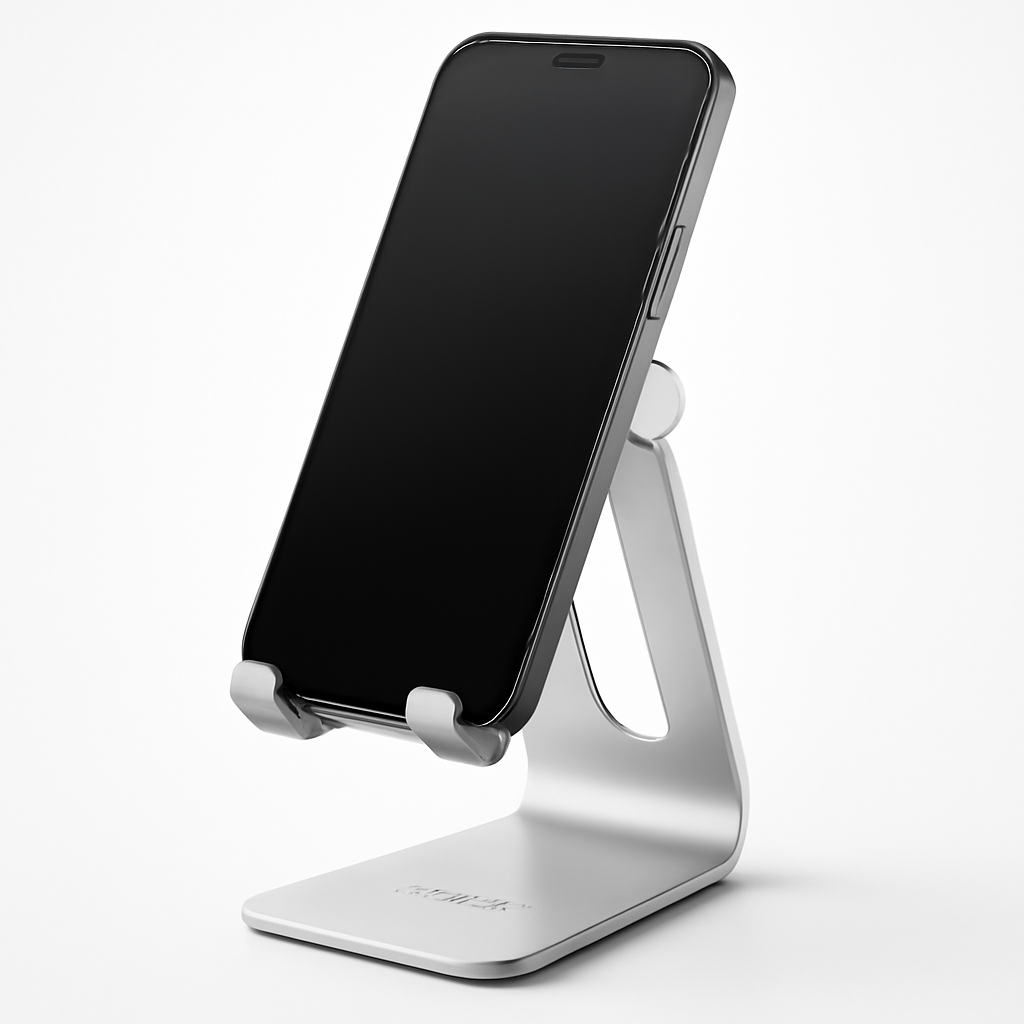
Budget Pick: Anker MagGo Magnetic Phone Stand
Why it works for budget buyers: Most inexpensive stands are either too unstable or too ugly. The Anker MagGo splits the difference—it’s genuinely reliable without looking cheap.
The magnetic mounting system is the key. Instead of clamping arms that might bend over time, you get strong magnets that hold any phone firmly. It works with phones in cases (even thick ones), which makes it more practical than stands that only work with naked phones.
Pros:
– Compact and portable (fits in a jacket pocket)
– Works with any phone, any case
– Looks minimal and modern
– Extremely affordable
Cons:
– Metal plates required on your phone/case (some people object to this)
– Not the most adjustable for angle
– Lighter weight means it can tip if you lean on the phone
Best for: People who travel, students, anyone on a tight budget, or people who move their phone stand frequently.
—
Best Mid-Range Pick: Rain Design mStand Mobile
Why it’s the sweet spot: The Rain Design mStand Mobile is exactly what a phone stand should be—minimal, stable, and thoughtfully designed. It costs less than a dinner out but feels more expensive.
This one’s not magnetic or electronic. It’s just really good industrial design. The aluminum stand grips your phone with a soft rubber base, and the angle is fixed but carefully calculated to work for desk viewing, video calls, and content consumption.
Pros:
– Beautiful aluminum construction that matches modern desks
– Incredibly stable (won’t tip even if you swipe the screen)
– Works with any phone and any case size
– Takes up almost no desk space
Cons:
– Angle isn’t adjustable (you get one angle)
– The fixed angle might not work if you prefer landscape viewing
– Doesn’t work as well for standing/vertical surfaces
Best for: Desk workers, minimalists, anyone who appreciates thoughtful design, people who work from home.
—
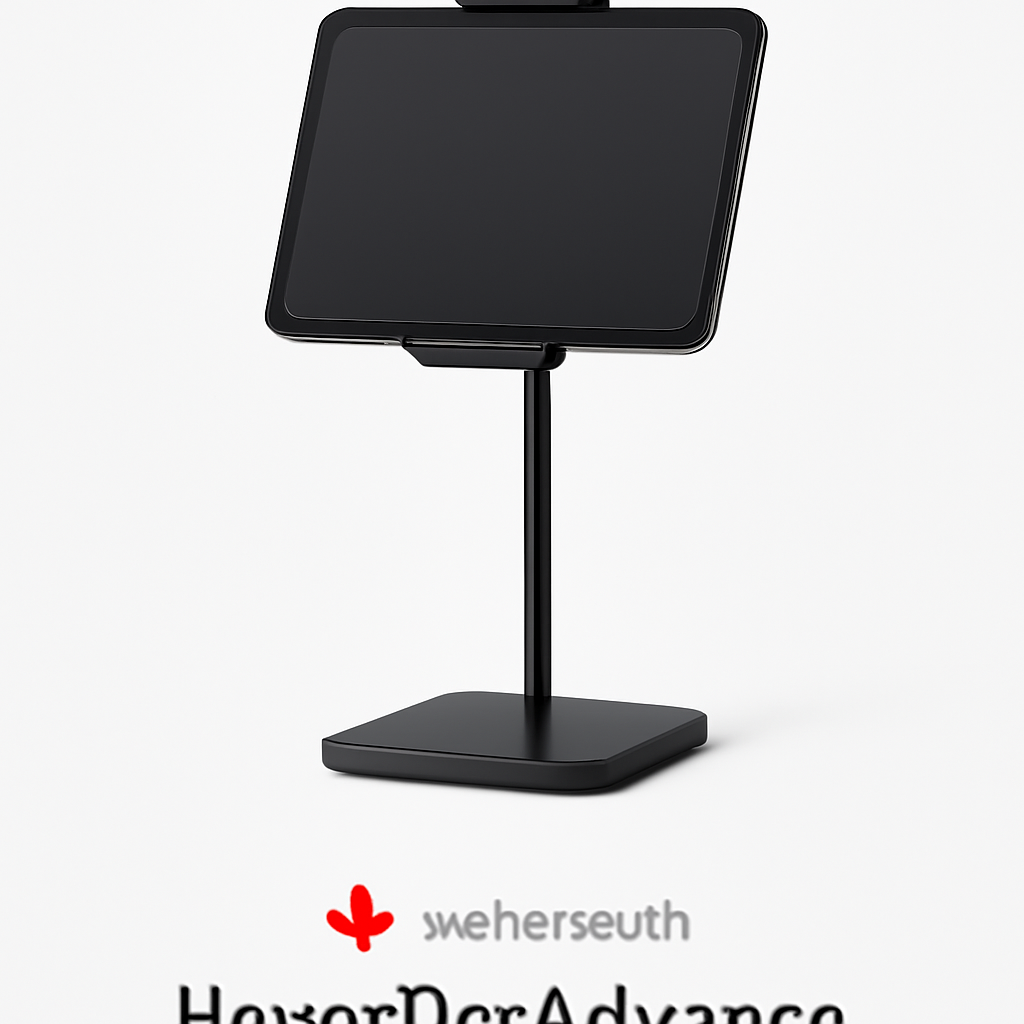
Best Premium Pick: Twelve South HoverBar Advance
Why it’s worth the extra money: The Twelve South HoverBar Advance is the Rolex of phone stands. You’re paying for refined engineering, materials that feel genuinely nice to touch, and a design that looks intentional.
The adjustable arm means you can position your phone exactly where you need it—landscape, portrait, high, low, close, far. The weighted base keeps everything stable even with taller phones or if you’re using it on a moving surface. It also fits tablets, which adds versatility.
Pros:
– Fully adjustable in all directions
– Premium build quality and materials
– Works with phones and tablets
– Looks professionally designed on any desk
– Reliable long-term durability
Cons:
– Not portable (too tall and bulky for travel)
– More expensive than basic stands
– Might be overkill if you don’t need adjustability
Best for: Professionals, anyone doing video calls regularly, content creators, people with multiple devices to prop up, anyone willing to invest in durability.
—
Top-Rated Phone Stands by Use Case
For Video Calls & Streaming
If you’re doing Zoom calls, YouTube streaming, or TikTok content, you need a stand that:
– Keeps your phone at eye level (not looking down your nose at the camera)
– Adjusts in portrait and landscape mode
– Stays perfectly still during hand gestures
Best choice: Twelve South HoverBar Advance
The adjustable arm lets you position your phone so the camera is at your actual eye line, which looks way better on video calls than the typical “camera looking up my nostril” angle.
—
For Kitchen Cooking & Reading Recipes
Your kitchen stand needs to:
– Be grease/splash resistant or easily cleaned
– Stay stable on wet or messy countertops
– Be positioned where you can glance at it without turning your neck
Best choice: Lamicall Adjustable Phone Stand
The Lamicall has a wide, stable base and works in multiple angles. The aluminum construction won’t rust or degrade with kitchen splashes, and you can easily wipe it down.
—
For Bed, Couch & Relaxation
For leisure viewing, you want:
– Flexibility in angles (you’ll shift positions)
– Stability in landscape mode
– Something that feels sturdy even at weird angles
Best choice: Anker MagGo Magnetic Phone Stand
The magnetic system means you can adjust and re-adjust without worrying about the clamping mechanism slipping. It also works at almost any angle if you rotate the mounting base.
—
For Gym & Fitness
Fitness stands must:
– Be lightweight (you might carry it)
– Handle vibration from exercise equipment
– Stay secure even during intense workouts
– Not damage your phone
Best choice: Anker MagGo or Lamicall
Both offer enough stability for treadmill workouts or spin classes. The magnetic system on the Anker won’t loosen over time from vibration, while the Lamicall grips are equally reliable.
—
Key Features to Consider Before Buying
Mounting System
Magnetic: Uses metal plates and powerful magnets. Best for frequent adjusting. Not great if you dislike metal plates.
Clamping/Gripping: Spring arms or rubber pads that hold your phone. Most versatile, works without modifications.
Adhesive: Stick-on mounts. Permanent and cheap, but hard to remove and might damage your phone.
Adjustability
– Fixed angle: One viewing position. Great for minimalist desks, less practical for different uses.
– Limited adjustment: A few preset positions.
– Full adjustment: 360-degree rotation and tilt. Most versatile but bulkier.
Stability & Weight
Heavier bases = more stability. If you often swipe or interact with your phone, stability matters. Light bases are more portable but might wobble.
Material Quality
– Aluminum: Premium look, durable, won’t rust
– Plastic: Budget-friendly, adequate for light use
– Silicone/rubber: Good for grip without scratching your phone
Size & Portability
– Desktop stands: Larger, stay on one surface
– Travel stands: Compact, pack into bags
– Dual-purpose: Adjustable enough to work in multiple situations
Compatibility
Does it work with your phone size? Thick case? Tablet? Not all stands work with all devices.
—
How We Test & Review Phone Stands
When evaluating phone stands for 2026, we consider:
Stability Test: We place a phone on the stand, then tap and swipe the screen to ensure it doesn’t wobble or tip. We test on flat surfaces, slightly angled surfaces, and even gentle vibrations.
Real-World Use: We actually use each stand in its intended environment—desks for desk stands, kitchens for kitchen stands, in luggage for travel stands.
Build Quality Assessment: We examine materials, joints, and finish. We test stands over weeks of use to catch design flaws that show up with time.
Angle & Comfort: We evaluate whether the viewing angle actually feels natural, whether it causes neck strain, and whether it works for your typical use cases.
Compatibility Testing: We test with multiple phone sizes, various case thicknesses, and where applicable, tablets.
—
Best Phone Stand Alternatives
Phone Cases with Built-In Stands
Spigen Tough Armor or similar case-stands combine protection with a built-in kickstand. Pros: One less item to carry, always available. Cons: Less adjustable, some add bulk, the kickstand mechanism eventually wears out.
Best for: People who want an all-in-one solution, minimal accessories.
—
Wall Mounts
Adhesive wall mounts are permanent fixtures. Pros: Save desk space, keep phones out of reach of kids/pets. Cons: Can’t move them, might damage walls.
Best for: Specific fixed locations like bedside tables or kitchen walls.
—
Pop Sockets & Ring Holders
Products like Popsocket mount to your phone and work as a hand grip and mini stand. Pros: Always with your phone, minimal. Cons: Very limited viewing angles, not stable for video.
Best for: Casual hand-holding, not for extended viewing.
—
Dashboard Mounts (for Cars)
Vent mounts and windshield mounts for vehicles. Pros: Keep your phone accessible while driving (for GPS/calls). Cons: Only for cars, limited to that use case.
Best for: People who use GPS or take calls while driving.
—
Phone Stand FAQs & Buyer Tips
Q: Will a phone stand damage my phone or case?
A: Not if you buy a stand with proper gripping systems. Clamp stands with rubber pads won’t damage phones or cases. Magnetic stands require metal plates but don’t damage the phone itself. Cheap plastic clamps might scratch soft cases over time.
—
Q: Should I get a magnetic stand if I don’t have metal plates on my phone?
A: Only if you’re willing to add metal plates. Most people who buy magnetic stands appreciate that they can stick the plate to their case and forget about it. If you swap cases frequently, this becomes annoying.
—
Q: Can phone stands work with tablets?
A: Some yes, some no. Most regular phone stands are too small for tablets. The Twelve South HoverBar Advance explicitly supports tablets. Many clamping stands can fit tablets if the clamp opens wide enough.
—
Q: How much should I spend on a phone stand?
A: You don’t need to spend more than $30-$50 on a phone stand unless you want premium materials or adjustability for professional use. The Anker MagGo at under $30 covers 90% of use cases. Jump to the Twelve South HoverBar only if you need flexibility.
—
Q: What’s the best phone stand for desks?
A: It depends on your desk style. For minimalist modern desks: Rain Design mStand Mobile. For maximum flexibility: Twelve South HoverBar Advance. For budget: Anker MagGo.
—
Q: Will a magnetic stand interfere with my phone?
A: No. Modern phones have magnets built in (for wireless charging, MagSafe, etc.), and external magnetic stands won’t interfere with functionality. The magnets aren’t strong enough to damage your phone’s internal components.
—
Q: What if my phone stand keeps tipping over?
A: Either the base is too light, or the phone is positioned too far from the center of gravity. Try: moving the phone closer to the base, getting a heavier stand, or using a different surface. Most tipping issues are solved by buying a stand with a wider, heavier base.
—
Q: Can I use a phone stand outside in sunlight?
A: Yes, but monitor your phone’s temperature. Direct sunlight can heat up your phone significantly. The stand itself is fine—just be aware your phone might get warm. Some materials like dark-colored plastic absorb more heat than aluminum.
—
Our Verdict
Here’s the hierarchy for 2026:
If you want value: Buy the Anker MagGo Magnetic Phone Stand. It’s affordable, portable, and surprisingly durable. You’ll use it everywhere.
If you want the best desk stand: Get the Rain Design mStand Mobile if you want a fixed, minimalist aesthetic, or the Twelve South HoverBar Advance if you need flexibility and don’t mind the bigger footprint.
If you want everything in one: The Lamicall Adjustable Phone Stand is your compromise—adjustable enough for multiple uses, stable enough for any environment, and costs less than $25.
The real answer is: Get a stand that matches where you’ll use it most. Someone who video calls all day needs something different than someone who occasionally watches recipes in the kitchen. Think about your actual usage pattern, then pick from our recommendations above.
And remember—you can always buy multiple stands. A $20 Anker MagGo on your bedside table, a Rain Design on your desk, and a Lamicall in the kitchen costs less than a single premium stand and gives you the perfect solution for each space.
—
Last updated: 2026