If your neck aches by mid-afternoon, your desk looks like a cable graveyard, or your monitors are propped up on a stack of old textbooks, you already know the problem: a cheap stand is holding back an expensive setup. The good news is that in 2026 you don’t need to spend $1,000 to fix it — but if you have up to that budget, you can buy a stand (or arm system) that lasts a decade and transforms how you work.
This guide breaks down the best monitor stands and arms under $1,000, what actually matters when you’re spending real money, and which pick fits your desk.
Quick Answer
For most people, a premium single or dual monitor arm from Ergotron or Fully is the best buy under $1,000 — you’ll spend a fraction of the budget and get near-indestructible build quality. If you want a designer piece or a full multi-monitor command center, Humanscale and Herman Miller options scale up toward the top of the range. Skip the budget wobble-prone stands; at this tier, rock-solid stability and smooth adjustment are the whole point.
Top Picks at a Glance
| Product | Best For | Price Range |
| Ergotron LX Desk Mount Arm | Best overall single-monitor value | $ |
| Fully Jarvis Monitor Arm | Best budget-friendly premium arm | $ |
| Humanscale M8.1 Monitor Arm | Best premium single/heavy monitor | $$ |
| Herman Miller Ollin Monitor Arm | Best design + warranty | $$ |
| Ergotron HX Dual Monitor Arm | Best for dual/ultrawide setups | $$ |
(Prices vary by configuration and retailer — always check current pricing before buying.)
Why a Premium Monitor Stand Is Worth It in 2026
A monitor stand isn’t glamorous, but it’s one of the highest-return upgrades you can make to a workspace. Here’s why spending in this range pays off in 2026:
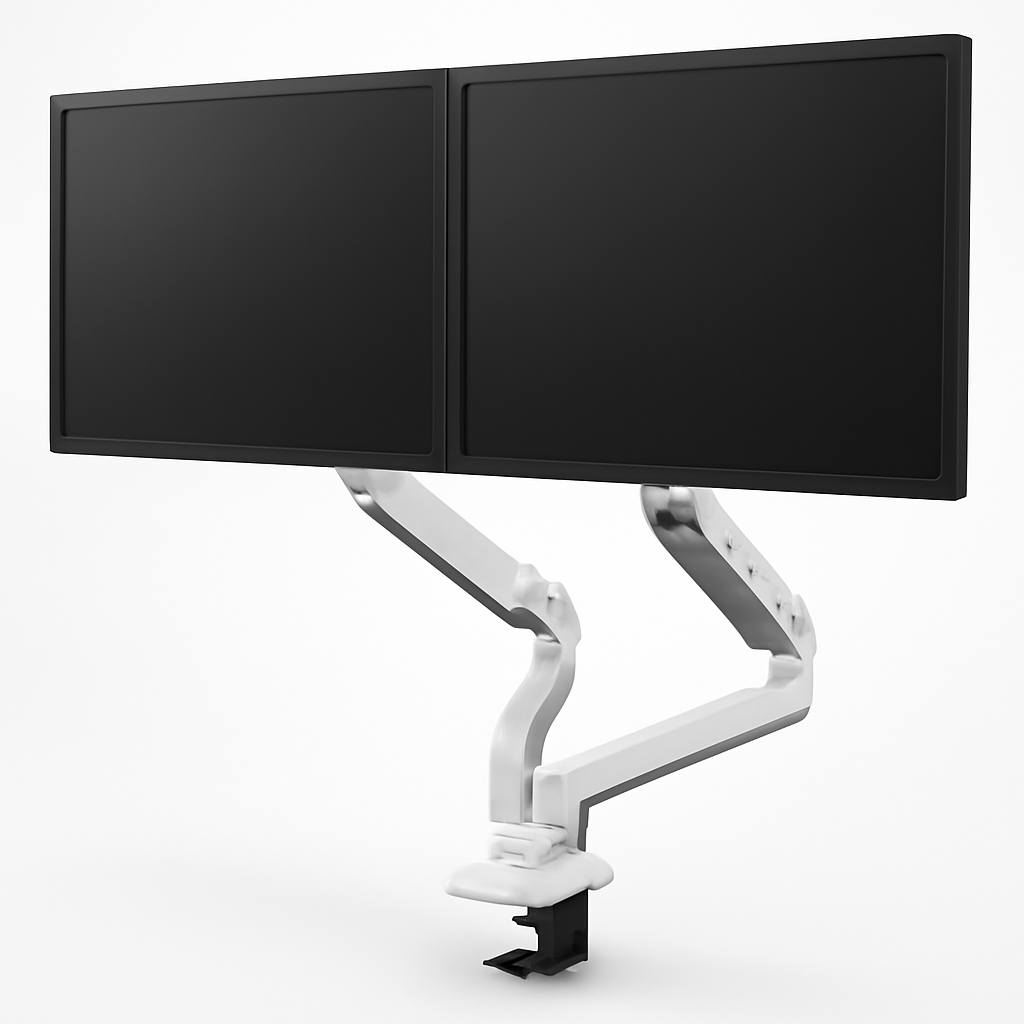
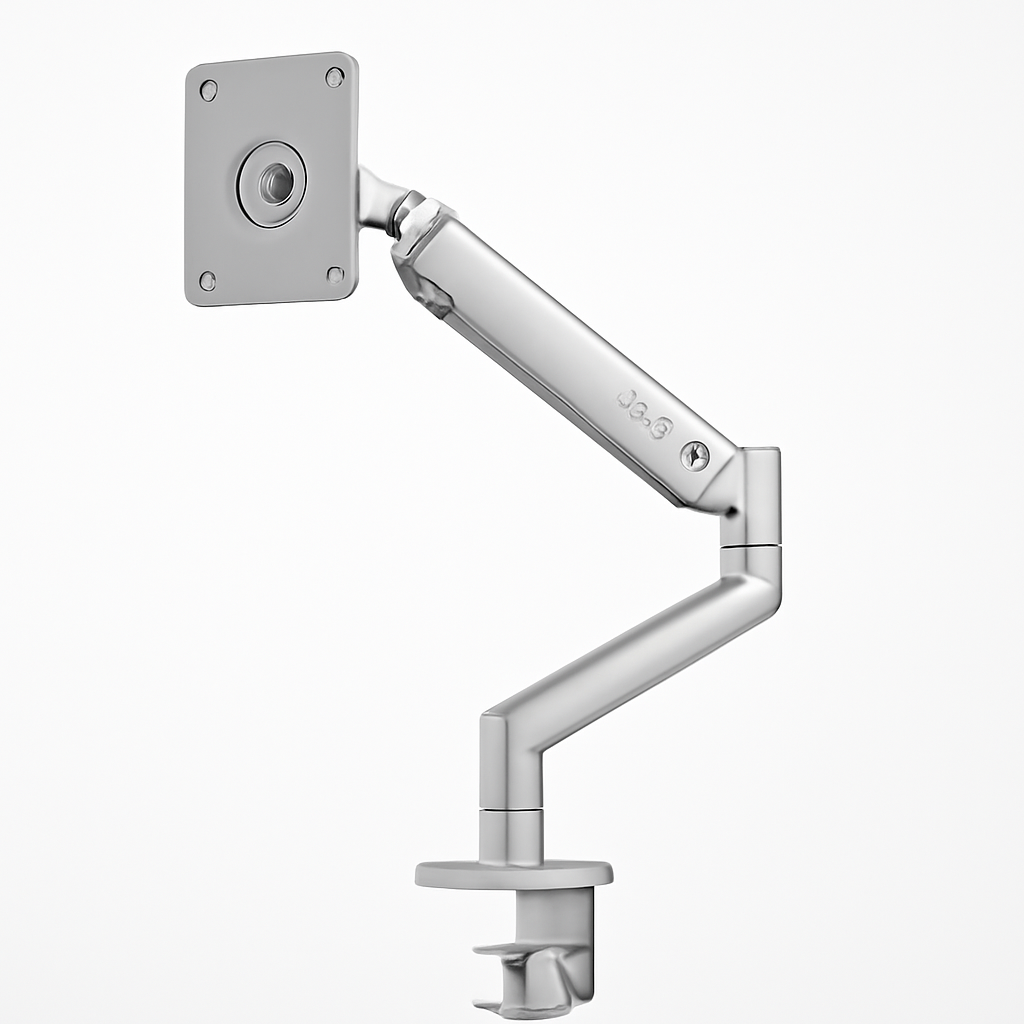
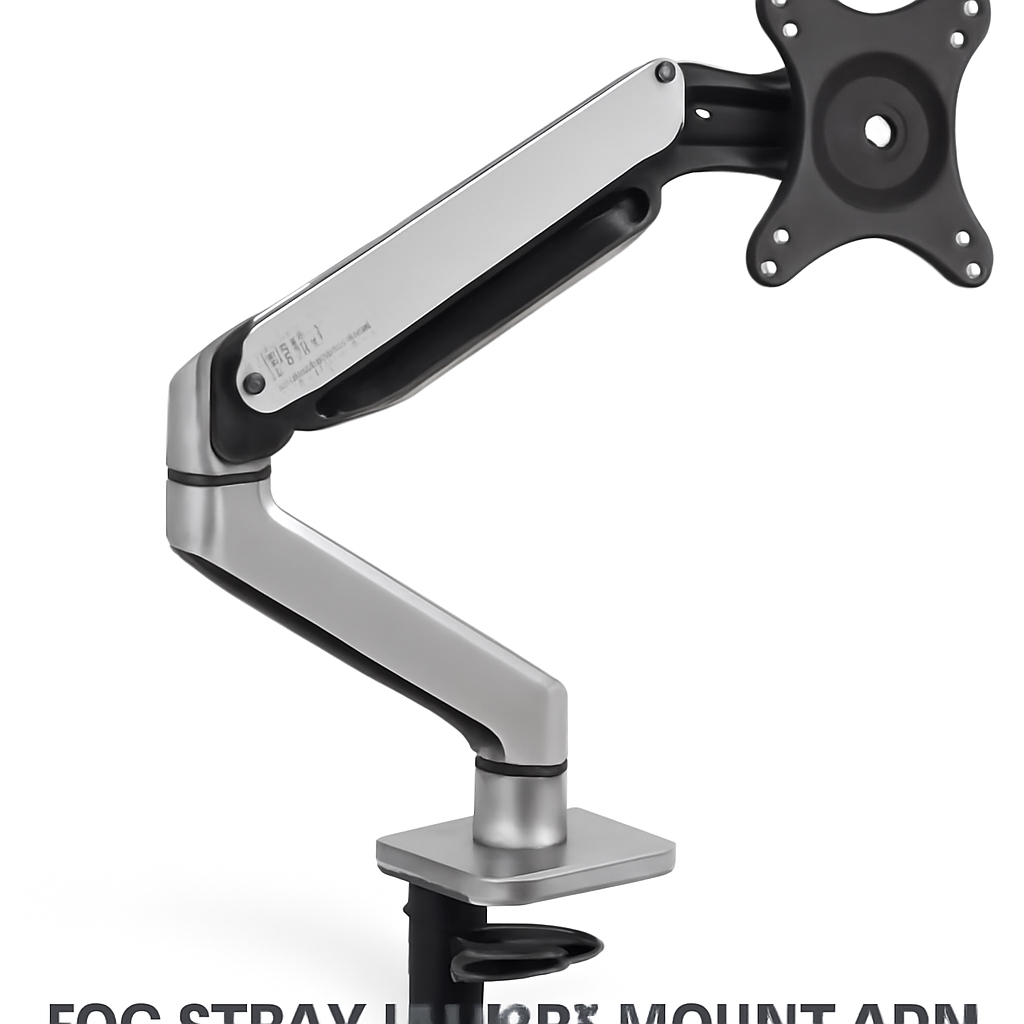
– Monitors got heavier and bigger. With 32″ 4K panels, curved ultrawides, and 40″+ super-ultrawides now mainstream, a flimsy stand physically can’t hold the weight steadily. Premium arms are rated for these panels and won’t sag over time.
– Hybrid work made ergonomics non-negotiable. More people spend 8+ hours a day at the same desk. Getting your screen to true eye level — not “close enough” — is the single biggest factor in reducing neck and shoulder strain.
– Desk real estate is expensive. A good arm floats your monitor off the desk entirely, reclaiming space for a keyboard, notebook, or just breathing room.
– They last. A $200–$900 arm from a top brand often carries a 10–15 year warranty. Amortized over that lifespan, it’s one of the cheapest upgrades per year you’ll ever make.
The core insight: below about $150 you’re mostly paying for plastic and compromise. In the sub-$1,000 tier, you’re paying for aluminum, precise gas-spring or spring-tension mechanisms, and warranties that outlast the monitor itself.
What to Look For in a High-End Monitor Stand
Not every expensive stand is worth it. Here’s what actually separates a great one from an overpriced one.
Weight Capacity and Panel Size Rating
Check two numbers: the weight range (in lbs/kg) and the maximum screen size. A stand rated for a 34″ panel may technically hold a 40″ ultrawide but won’t hold it steadily. Match the rating to your actual monitor with headroom to spare.
Adjustment Mechanism
– Gas spring / gas strut: Smoothest, easiest to reposition with one finger. Preferred for sit-stand or frequently-moved setups.
– Spring tension (constant force): Very reliable, holds position well, common on Ergotron.
– Mechanical / friction: Cheaper, requires tools or knobs to adjust — fine if you set it once and forget it.
Range of Motion
Look for full height adjustment, tilt, swivel, pan, and rotation (portrait/landscape). The more axes of movement, the more precisely you can dial in your posture.
VESA Compatibility
Nearly all quality arms use the VESA standard (75×75mm or 100×100mm). Confirm your monitor supports VESA — some consumer displays don’t, and you’ll need a VESA adapter plate.
Mounting Method
Most use a desk clamp (fast, no drilling) or a grommet mount (through a hole in the desk, more permanent and slightly cleaner). Make sure your desk edge thickness fits the clamp’s range.
Top Monitor Stands Under $1000 Compared
Here are the standouts, from best value to premium.
Ergotron LX Desk Mount Arm
The LX is the default recommendation for a reason. It’s an aluminum, constant-force arm that holds position rock-solid, adjusts smoothly, and has a reputation for lasting a decade-plus. For a single monitor up to roughly 34″, it’s hard to beat — and it leaves most of your $1,000 budget untouched.
Pros:
– Exceptionally sturdy, near-zero wobble
– Smooth one-hand adjustment via constant-force tech
– Long warranty and proven longevity
– Clean cable management channels
Cons:
– Utilitarian, industrial look
– Weight range may be too light for the heaviest 40″+ panels (check the HX for those)
Fully Jarvis Monitor Arm
Fully’s Jarvis arm is the value-premium sweet spot. It uses a gas-spring mechanism, feels great to adjust, and pairs perfectly with sit-stand desks. It undercuts the designer brands while delivering most of the polish.
Pros:
– Smooth gas-spring movement
– Attractive, understated design
– Great price for the quality
– Easy install with clamp or grommet options
Cons:
– Fit and finish a small step below Humanscale/Herman Miller
– Single-arm weight limits mean very heavy panels need a heavier-duty model
Humanscale M8.1 Monitor Arm
This is where you start paying for engineering elegance. The Humanscale M8.1 is a mechanical-spring arm (no gas strut to wear out) built for heavier monitors, with a minimalist look that fits executive desks. It’s a “buy it once” piece.
Pros:
– Handles heavy monitors with ease and zero drift
– Beautiful, minimal industrial design
– Tool-free adjustment once installed
– Excellent long warranty
Cons:
– Higher price than value picks
– Firmer initial setup/tensioning
Herman Miller Ollin Monitor Arm
If aesthetics and warranty top your list, the Herman Miller Ollin is a design-forward arm that matches Aeron-tier desks. It’s clean, floats the monitor beautifully, and is backed by Herman Miller’s long warranty support.
Pros:
– Gorgeous, seamless design
– Backed by a long warranty and strong support
– Smooth, effortless repositioning
Cons:
– Premium pricing for a single arm
– Best for standard-weight panels, not the heaviest ultrawides
Ergotron HX Dual Monitor Arm
For dual monitors, big ultrawides, or heavy professional displays, the Ergotron HX is the workhorse. It’s beefier than the LX and rated for substantially more weight, making it ideal for creative and trading setups.
Pros:
– Very high weight capacity
– Dual and heavy-ultrawide friendly
– Same Ergotron durability reputation
Cons:
– Bulkier footprint
– Overkill for a single lightweight monitor
Single vs. Dual vs. Multi-Monitor Configurations
Your monitor count changes everything about which stand to buy.
Single Monitor
A single arm like the Ergotron LX or Herman Miller Ollin is all you need. You get maximum adjustability and the cleanest look. This is the most common — and most affordable — setup within budget.
Dual Monitor
You have two paths:
– Two independent single arms — maximum flexibility, position each screen exactly where you want.
– A dedicated dual arm like the Ergotron HX Dual — a single clamp point, coordinated movement, tidy for side-by-side screens.
For dual displays of equal size, a dedicated dual arm usually looks cleaner. For mismatched monitors, two single arms win.
Multi-Monitor (3+)
Once you hit three or more screens, look at crossbar systems or heavy-duty multi-arm mounts (Ergotron and Humanscale both offer these). Watch two things closely: total weight capacity across all arms and desk clamp strength. This is also where you can legitimately spend toward the top of the $1,000 budget on a serious command-center rig.
Ergonomics: Height, Tilt, and VESA Compatibility
The entire point of a premium stand is getting your posture right. Nail these three:
Height
Your monitor’s top edge should sit at or just below eye level when you’re seated upright. Your eyes should naturally rest about 2–3 inches below the top of the screen. Any stand in this guide gives you the height range to hit that — cheap risers usually don’t.
Tilt and Viewing Angle
Aim for a slight backward tilt (roughly 10–20°) so the screen faces your eyes squarely. If you use a sit-stand desk, a gas-spring arm (Fully Jarvis, Humanscale) makes re-tilting between positions effortless.
VESA Compatibility
Before you buy anything, confirm your monitor’s VESA pattern (75×75mm or 100×100mm). If your display isn’t VESA-ready — some sleek consumer monitors aren’t — you’ll need a VESA adapter bracket. Don’t skip this check; it’s the #1 cause of return headaches.
Build Quality, Cable Management, and Desk Clamps
At this price, you should demand three things.
Build Quality
Look for die-cast aluminum over plastic, smooth joints with no play, and a mechanism that holds position without creeping downward over weeks. Ergotron, Humanscale, and Herman Miller all excel here; that’s what your money buys.
Cable Management
Good arms route cables internally or through channels along the arm, so your desk stays clean and cables don’t snag when you move the screen. The Fully Jarvis and Ergotron LX both handle this well.
Desk Clamps and Mounting
– C-clamps are fast and reversible — check your desk edge thickness fits the clamp’s jaw range.
– Grommet mounts are more permanent and slightly cleaner but require a hole in the desk.
– For thin, glass, or floating desks, verify the clamp is rated for your desk material — heavy arms need a solid mounting surface.
Final Verdict: Which Monitor Stand Should You Buy?
Here’s how to decide fast:
– Best overall value: The Ergotron LX is the pick for most people. Rock-solid, smooth, long-lasting, and it leaves most of your budget in your pocket.
– Best budget-premium arm: The Fully Jarvis Monitor Arm delivers gas-spring smoothness and clean looks at a friendly price.
– Best premium single arm: The Humanscale M8.1 is the buy-it-once choice for heavier monitors and minimalist desks.
– Best design + warranty: The Herman Miller Ollin for anyone who wants their arm to match a high-end office.
– Best for dual/ultrawide: The Ergotron HX Dual handles the heavy, wide, and multi-screen jobs.
Our Verdict
For the vast majority of buyers in 2026, you don’t need to spend anywhere near $1,000 to get a stand that will outlast your monitor. Start with the Ergotron LX or Fully Jarvis — either one solves the neck strain, reclaims your desk, and just works for years. Step up to the Humanscale M8.1 or Herman Miller Ollin if you want a heavier-duty or design-statement piece, and choose the Ergotron HX Dual if you’re running big or multiple screens.
Whatever you pick, confirm your monitor’s VESA pattern and weight first, check current pricing, and buy the arm rated with room to spare. Do that, and this will be the last monitor stand you buy for a very long time.
Always verify current prices and specifications before purchasing, as availability and configurations change.