Quick Answer
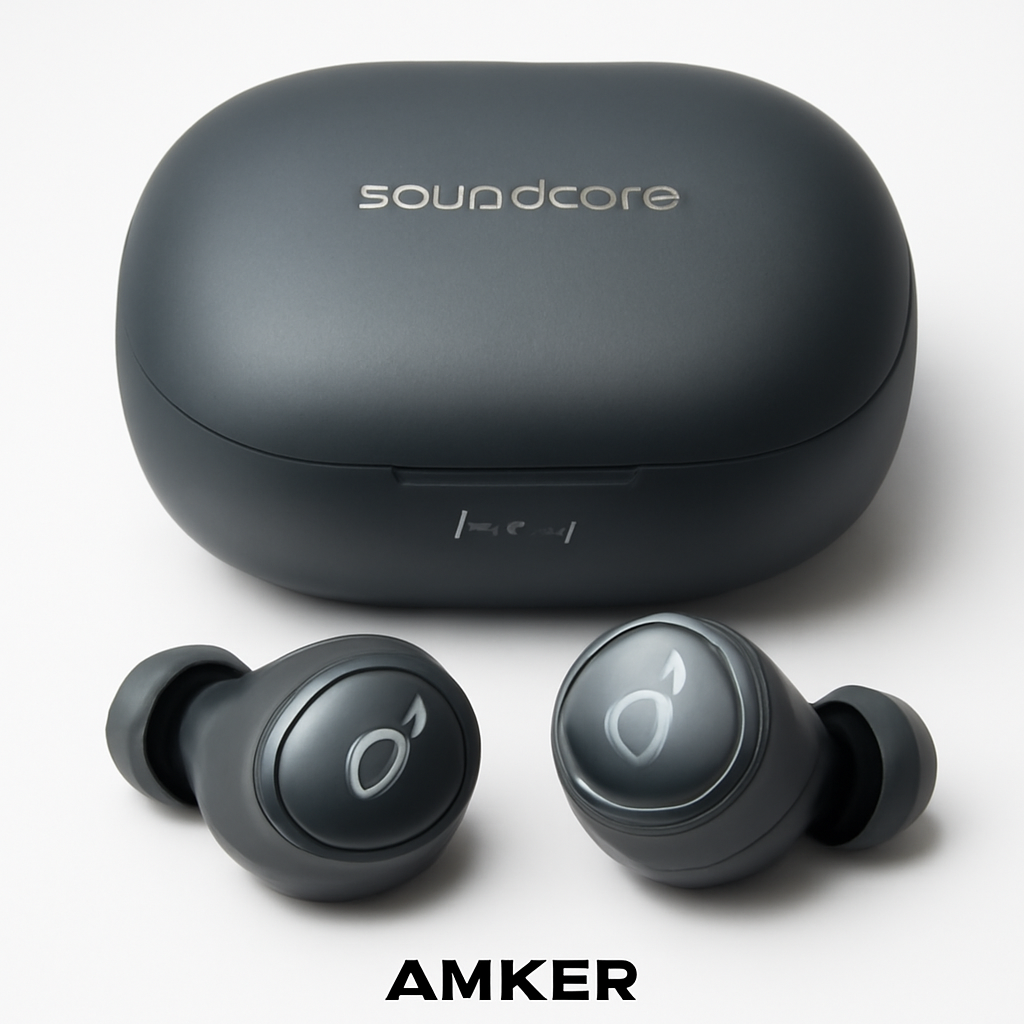
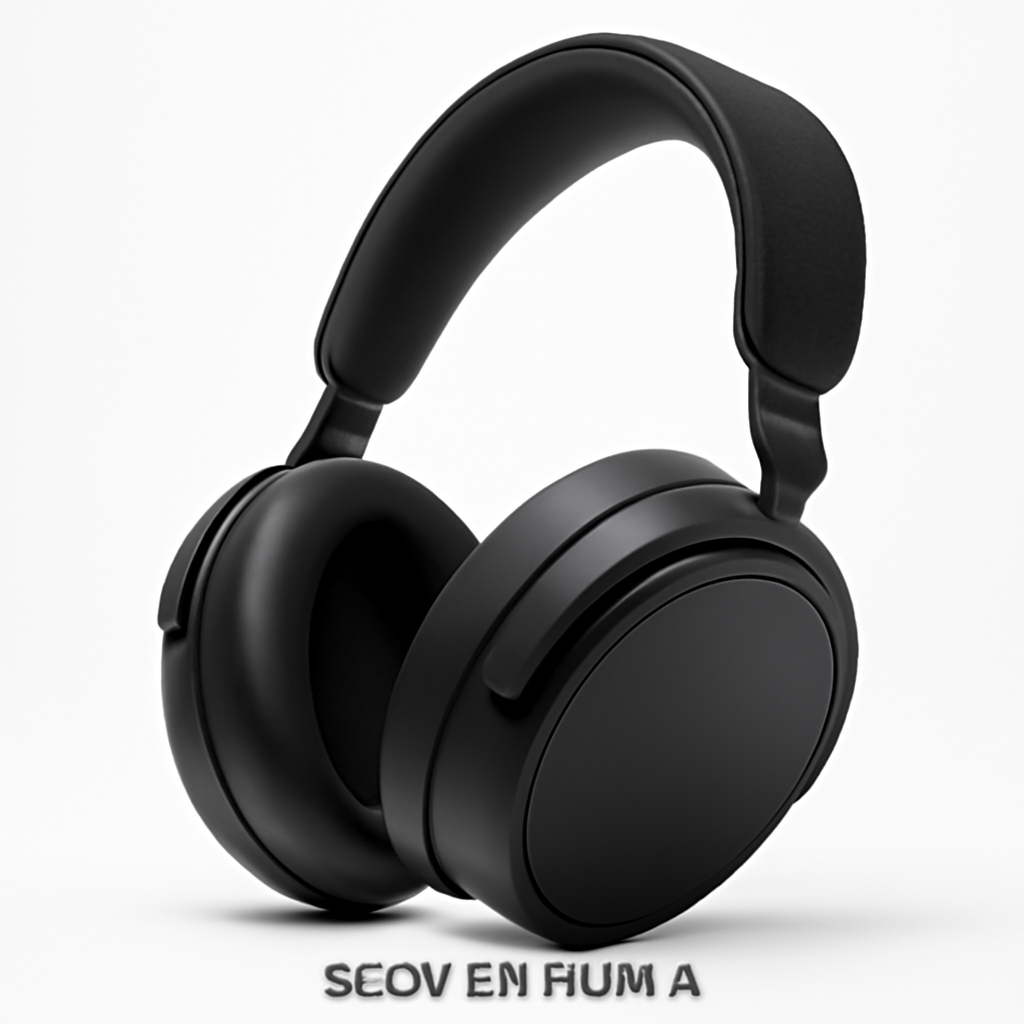
Looking for the right wireless headphones and microphone combo? If you need one device that does everything, the Sony WH-CH720N offers solid all-in-one performance. For professionals who demand studio-quality audio and crystal-clear calls, pairing the Sennheiser Momentum 4 with a Rode Wireless GO II gives you the best of both worlds. Budget-conscious buyers should consider the Anker Soundcore Space A40, which delivers excellent value for everyday use.
The choice between built-in and separate devices depends on your primary use case—keep reading to find your ideal match.
—
What to Look for in Wireless Headphones and Microphones
Before you buy, you need to understand what actually matters for your specific situation. Not all wireless audio gear is created equal, and the features that matter for gaming differ significantly from what a podcast creator needs.
Audio Quality Fundamentals
Frequency response is the range of sounds your headphones can produce. Most people don’t need audiophile-grade response (20Hz–20kHz is standard), but quality matters when you’re using these for content creation or professional calls. Look for headphones that emphasize clarity in the vocal range (500Hz–4kHz) if microphone quality is your priority.
Codec support determines how your audio gets wirelessly transmitted. SBC is the basic standard everyone supports. AAC is Apple’s preference. aptX and LDAC offer better quality on Android devices. If you’re serious about audio fidelity, this matters; if you’re just catching up on meetings, it doesn’t.
Microphone Specifications That Actually Matter
Most people obsess over headphone specs and ignore microphone details—then wonder why people can’t hear them clearly. Here’s what actually affects call quality:
– Noise cancellation: Looks for active noise cancellation (ANC) specifically for your microphone, not just your ears. This filters out background noise before transmission.
– Polar pattern: Omnidirectional mics pick up sound from all directions (good for natural conversation). Cardioid patterns focus on front-facing sound (better for reducing room noise).
– Frequency response for voice: You want strong presence in the 300Hz–3kHz range. This is where clarity lives.
Connection Stability
Bluetooth version matters more than people think. Bluetooth 5.0 and above provides better range (up to 240 meters vs. 100) and faster connection switching between devices. For professionals juggling phone calls and video meetings on different devices, this is crucial.
Dual connectivity is increasingly common—many models now support simultaneous connection to two devices, so you can answer your phone while your laptop is connected.
—
Top Wireless Headphones with Built-in Microphones
These are the all-in-one champions: excellent headphones that happen to have great microphones. They work well if you want simplicity and don’t need studio-grade recording.
Sony WH-CH720N
Best for: People who want a reliable daily driver that works for both music and calls.
The Sony WH-CH720N delivers a genuinely balanced package. The microphone uses Sony’s AI noise reduction, which means people hear you clearly even in cafes or offices with background chatter. The headphones themselves offer lightweight comfort for 8-10 hour workdays.
Pros:
– Microphone noise cancellation actually works without making you sound robotic
– 35-hour battery life (exceptional)
– Lightweight design won’t tire your neck
– Supports multipoint connection for seamless switching
Cons:
– Not ideal for professional music production
– Noise cancellation for your ears is solid but not premium-tier
– Touch controls can be finicky
Sennheiser Momentum 4
Best for: Music lovers who also need professional call quality.
Sennheiser’s Momentum line has always prioritized audio quality, and the Momentum 4 is no exception. The built-in microphone uses a cardioid pattern that isolates your voice from surroundings. Audio quality leans toward warm and detailed—excellent for both music and conversations.
Pros:
– Premium sound quality that works for both music and calls
– Cardioid microphone design reduces room noise effectively
– Comfortable for all-day wear
– Strong battery life (60 hours)
Cons:
– Higher price point
– Slightly bulkier than some competitors
– Microphone still takes a back seat to the headphone quality
Anker Soundcore Space A40
Best for: Budget-conscious users who refuse to compromise on basics.
Don’t let the price fool you—Anker has packed serious engineering into this model. The microphone uses dual-mic setup for better noise isolation. Battery life hits 10 hours, and the charging case extends that to 50 total hours.
Pros:
– Exceptional value for the price
– Dual-mic array reduces wind and background noise
– Quick-charge capability (10 minutes = 2 hours)
– Reliable Bluetooth 5.3 connection
Cons:
– Comfort varies by ear shape (check return policy)
– Microphone quality doesn’t match premium brands
– Touch controls not as intuitive as competitors
—
Best Standalone Wireless Microphones for Headphone Users
Sometimes your headphones do one job brilliantly, and you want a dedicated microphone for the other. This is increasingly popular with remote workers and content creators.
Rode Wireless GO II
Best for: Remote workers, podcasters, and content creators who want studio-quality audio without being tethered.
The Rode Wireless GO II is a lavalier system that clips to your shirt, giving you hands-free microphone placement. The receiver is tiny enough to clip to your monitor or toss in a pocket. Range is up to 200 meters (genuinely useful if you’re recording video throughout your home).
Pros:
– Exceptional audio clarity and consistency
– Two-channel recording (capture backup audio automatically)
– 7-hour battery on transmitter
– Works with any headphones
– USB-C charging
Cons:
– Higher investment than built-in options
– Requires managing two batteries
– Lavalier clip isn’t ideal if you’re moving around constantly
– Setup has a learning curve compared to simple headphones
Blue Yeti USB
Best for: Desktop-based remote workers and streamers.
If you’re stationary at a desk, this remains the gold standard for reason: it simply captures vocal clarity exceptionally well. Four polar pattern options mean you can adapt to different room situations. Direct USB connection means plug-and-play on any computer.
Pros:
– Professional-grade audio quality
– Excellent build quality
– Simple USB plug-and-play
– Three gain control options reduce clipping
– Works with any headphones
Cons:
– Not portable (desktop-only)
– Requires desk space
– Overkill if you’re just doing video calls
– No battery (requires USB power)
—
Audio Quality and Noise Cancellation Comparison
Let’s cut through marketing claims and discuss what you actually get.
Headphone Noise Cancellation: The Reality
Active Noise Cancellation (ANC) doesn’t create silence—it creates “destructive interference” that reduces low-frequency rumble (airplane engines, traffic, HVAC systems). It has minimal effect on voices and high-pitched sounds.
| Feature | Sony WH-CH720N | Sennheiser Momentum 4 | Anker Soundcore Space A40 |
| ANC Type | Adaptive | Passive only | Adaptive ANC |
| Effective for Low Noise | Excellent | N/A | Good |
| Microphone ANC | Yes | Limited | Yes |
| Transparency Mode | Yes | Yes | Yes |
| Best for | Mixed environments | Audio quality | Value |
What this means: If you work in a coffee shop, Sony and Anker models genuinely help. Sennheiser prioritizes audio quality over noise reduction, so it depends on your environment.
Microphone Audio Quality: Captured vs. Transmitted
This is where most people get confused. Built-in microphones in headphones are physically close to ambient noise sources (your breathing, cable rustling). Premium dedicated microphones use directional design to minimize this.
Sony WH-CH720N microphone: Uses AI noise cancellation to clean up audio real-time. Result: People hear you clearly even if your background is noisy. The tradeoff is slightly less natural sound.
Rode Wireless GO II microphone: Cardioid pattern captures mostly your voice with minimal room noise. Result: Cleaner, more professional audio with natural sound quality.
Anker Soundcore Space A40 microphone: Dual-mic array reduces wind and noise. Result: Solid clarity that beats other budget options but doesn’t match premium mics.
For video calls, any of these work fine. For podcasting or professional recordings, dedicated microphones win every time.
—
Battery Life and Connectivity: Which Models Lead in 2026
Battery claims on marketing pages are often best-case scenarios. Here’s the real-world breakdown:
Realistic Battery Performance
| Model | Claimed | Real-World (Typical Use) | Charging Time |
| Sony WH-CH720N | 35 hours | 28-30 hours | 3 hours |
| Sennheiser Momentum 4 | 60 hours | 50-55 hours | 2.5 hours |
| Anker Soundcore Space A40 | 50 hours (with case) | 40-45 hours | 40 min (case) |
| Rode Wireless GO II | 7 hours (tx) | 6.5 hours | 1.5 hours |
Why the difference? Claimed numbers assume mid-volume playback with ANC off. Real use includes higher volumes, features on, and actual music/calls.
The Sennheiser legitimately approaches its claimed battery life. Anker’s case charging provides practical advantages—you’re never truly out of battery.
Connectivity Strength in 2026
Bluetooth 5.3 is now standard on premium models, supporting:
– Multipoint connection: Connect to your phone and laptop simultaneously
– Improved range: 200+ meters in open space
– Faster switching: Automatic device switching is now instant rather than delayed
Sony and Sennheiser models support multipoint. Anker supports it on newer variants—verify when shopping.
WiFi-enabled options: A few 2026 models add Wi-Fi Direct for video calls with lower latency. This matters for Zoom and Teams calls (noticeably less delay). Currently only available on premium models ($400+).
—
Price Comparison: Budget to Premium Options
Here’s where you need clarity: more expensive doesn’t always mean better for your use case.
Budget Range: $50–$150
Sweet spot: Anker Soundcore Space A40
You get dual-mic noise reduction, solid Bluetooth 5.3, good comfort, and surprising audio quality. Perfect if you’re doing daily video calls and casual music listening.
Reality check: Microphone clarity is good, not great. Noise cancellation works but isn’t aggressive. No multipoint connection on base models.
Mid-Range: $200–$350
Sweet spot: Sony WH-CH720N
Better all-around quality than budget options. AI-powered microphone noise cancellation actually works. Battery life is excellent. The jump in call quality is noticeable.
Reality check: You’re paying for consistency and build quality more than revolutionary features. Audio quality is good, not premium.
Premium: $400+
Sweet spot: Sennheiser Momentum 4
You’re investing in audio quality that works for both music and calls. Premium materials, exceptional comfort, and warranty/support. Microphone quality steps up significantly.
Reality check: You’re paying for material quality and sonic refinement, not fundamentally different features. If you mostly do video calls, mid-range is probably enough.
Dedicated Microphone Add-On Cost
Desktop: Blue Yeti USB ($80–$130) adds professional-grade capture to any headphones.
Mobile: Rode Wireless GO II ($300–$350) offers pro-level freedom and quality.
These make sense if your headphones excel at listening but you need better speaking quality.
—
How to Choose Between All-in-One vs. Separate Devices
This is the key decision. Let’s cut through the options:
Choose All-in-One (Built-in Microphone) If:
✅ You want simplicity — One device, one battery to charge, one thing to carry
✅ You’re mostly doing video calls — Built-in mics are more than sufficient
✅ Your budget is under $300 — All-in-one is more cost-effective at this price
✅ You work from different locations — Easier than managing multiple devices
✅ Occasional content creation — YouTube videos, social clips, light podcasting
Best choice: Sony WH-CH720N if you want balanced quality and battery life.
Choose Separate Devices (Headphones + Dedicated Mic) If:
✅ You’re doing serious content creation — Podcasting, streaming, professional voiceovers
✅ Audio quality is your top priority — You notice the difference between good and great
✅ You need flexibility — Want to upgrade headphones without losing your mic investment
✅ You work from a fixed location — Desktop setup favors stationary microphones
✅ You’re willing to manage more complexity — Worth it for the quality jump
Best combo: Sennheiser Momentum 4 + Rode Wireless GO II for maximum flexibility and quality.
The Hybrid Approach (Increasingly Popular in 2026)
Buy quality headphones with acceptable built-in microphones and a portable wireless lavalier for important calls/recordings.
Example setup:
– Daily use: Sennheiser Momentum 4 (excellent for music, acceptable for calls)
– Important calls: Clip Rode Wireless GO II to your shirt (client calls, job interviews)
– Cost: ~$650 total
This gives you the benefits of both worlds without the complexity of desktop-only solutions.
—
Our Verdict
For most people, buy the Sony WH-CH720N.
It’s the correct balance of simplicity, quality, and price. The microphone isn’t fancy, but it works reliably. You’ll appreciate the battery life, and the audio quality covers everything from music to calls without embarrassing you.
For audio enthusiasts and remote work professionals, get the Sennheiser Momentum 4.
Spend the extra $100–$150 for noticeably better audio quality that you’ll actually hear every day. The microphone quality jumps significantly. You’re investing in a device you’ll use for years.
For serious content creators, pair the Sennheiser Momentum 4 with the Rode Wireless GO II.
Stop compromising. Your listeners (or viewers, or clients) will hear the difference. The Rode’s clarity and flexibility justifies the cost if audio quality matters to your work.
For budget shoppers who refuse compromises, grab the Anker Soundcore Space A40.
$80–$120 gets you solid performance. The dual-mic array is genuinely helpful. You’re not getting premium audio, but you’re getting reliable functionality.
Final Recommendation Framework
Ask yourself these three questions:
1. How much do you care about audio quality? (1–5 scale)
→ Care deeply? Sennheiser. Indifferent? Anker.
2. How much will you use the microphone? (Daily calls? Occasional? Streaming?)
→ Daily professional calls? Consider adding a dedicated mic. Occasional? Built-in is fine.
3. What’s your budget? (Hard limit?)
→ Under $150? Anker. $200–$350? Sony. $400+? Sennheiser or Sennheiser + Rode.
Your answer to these questions determines your ideal setup. There’s no single “best” because use cases differ. But with this guide, you now have the information to choose confidently.